

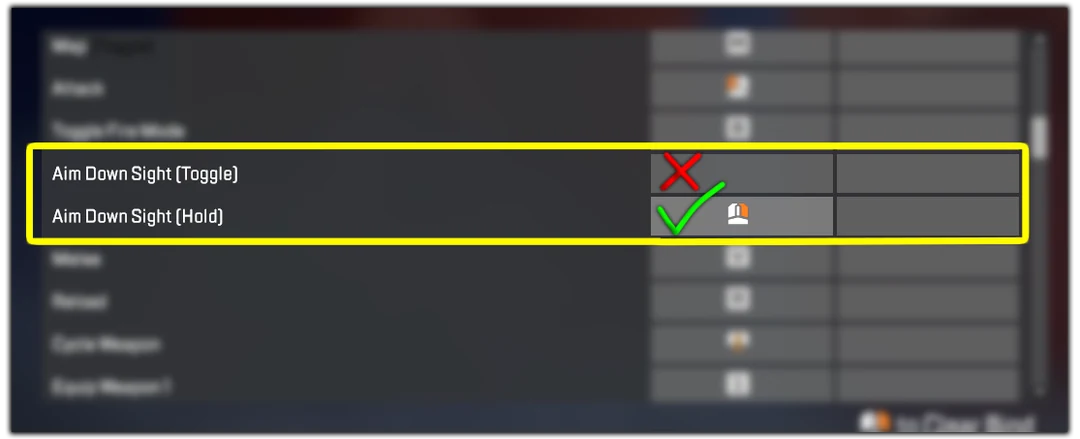
Note: Apex-AI only works with RECON characters while aiming down sights
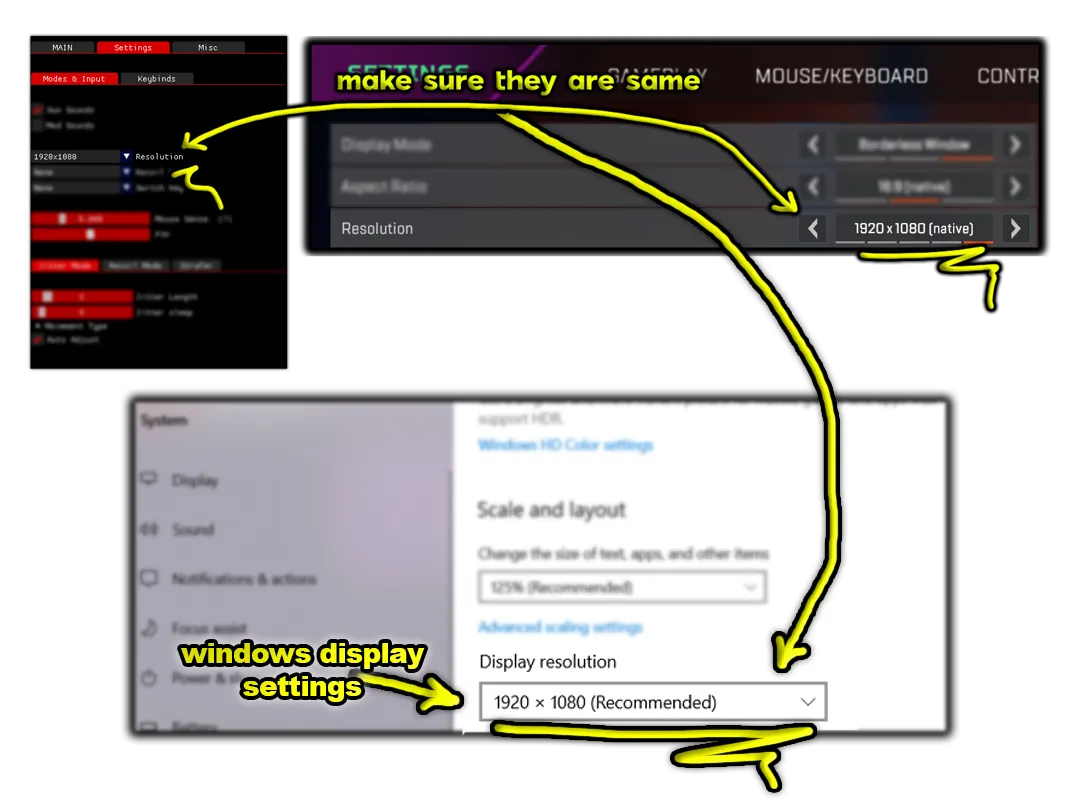
Note: If you have 2 monitors, Script might pick up the Wrong one.
If your Script doesn't Auto-Detect guns:
- Either unplug one monitor that you are not playing the game on
- Or switch/change monitor order from windows setting.
Note: If the application gives this error:
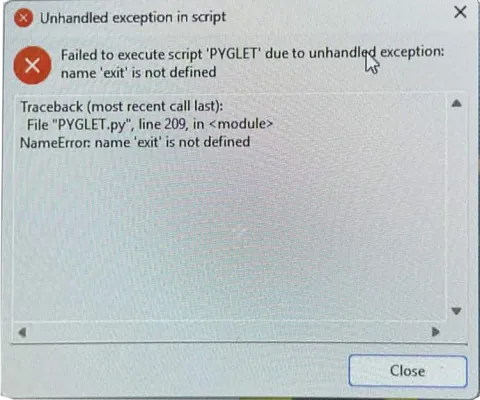
Try using a VPN
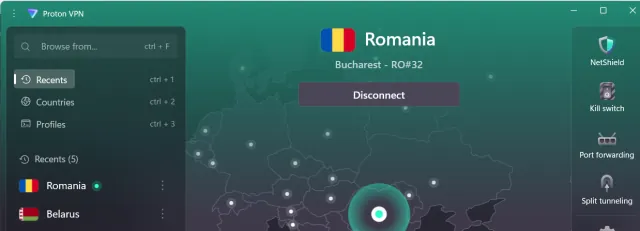
Free working VPN: https://protonvpn.com
Some servers work some doesn't. If it doesn't work: Connect to another country in the VPN. Romania Server works good
Note: If you have FACE-IT Anti-Cheat or Valorant Vanguard installed, uninstall them they will prevent the application from working properly. Just like this!:
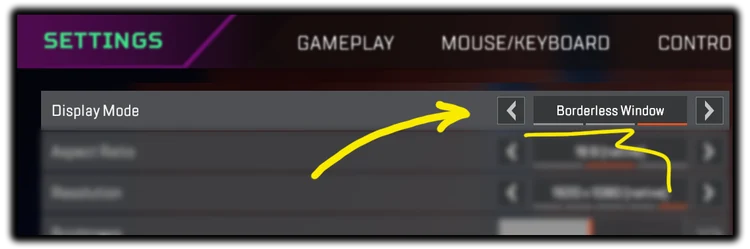
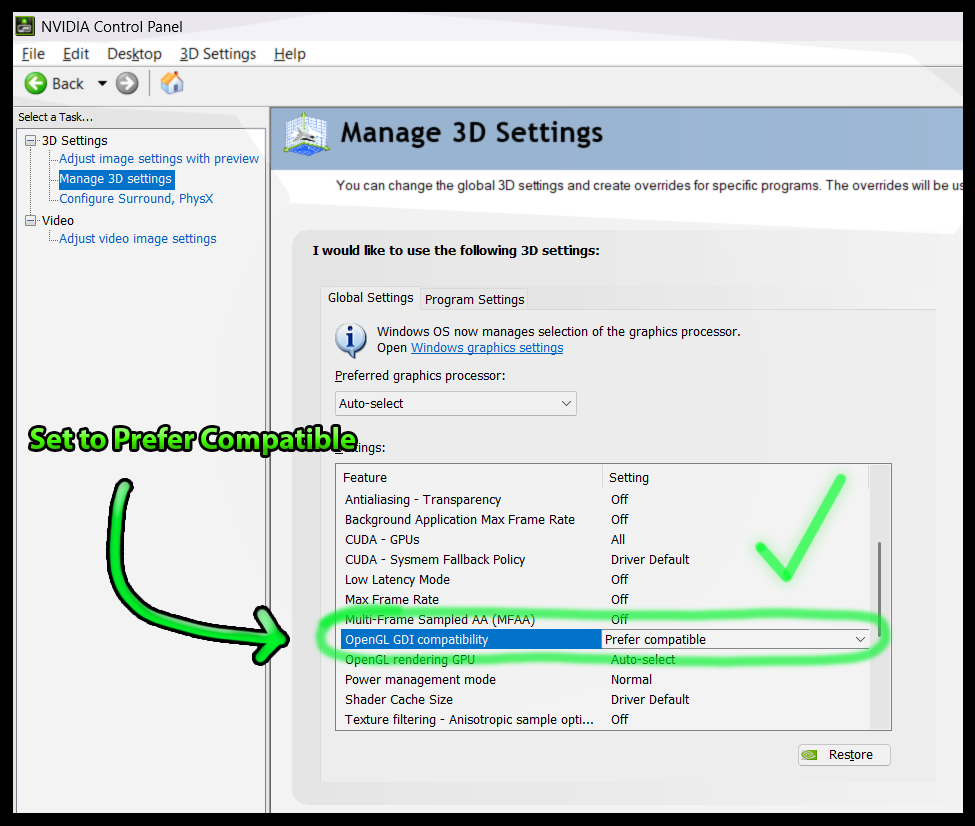
If the Apex-AI shows a Black Layer on top of the game, Set the OpenGL GDI Compatibility = Prefer Compatible. This will fix the problem.
If the APEX AI opens up and it detects enemies (Red lines shows up) but it doesn't aim and doesn't move your mouse in game; There are 2 Solutions :
SOLUTION-1
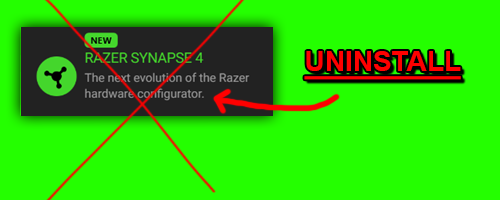
If you have the Razer Synapse application installed, Uninstall it.
SOLUTION-2
Open the CMD as admin and Type these Commands to CMD: sc stop ankery sc delete ankery
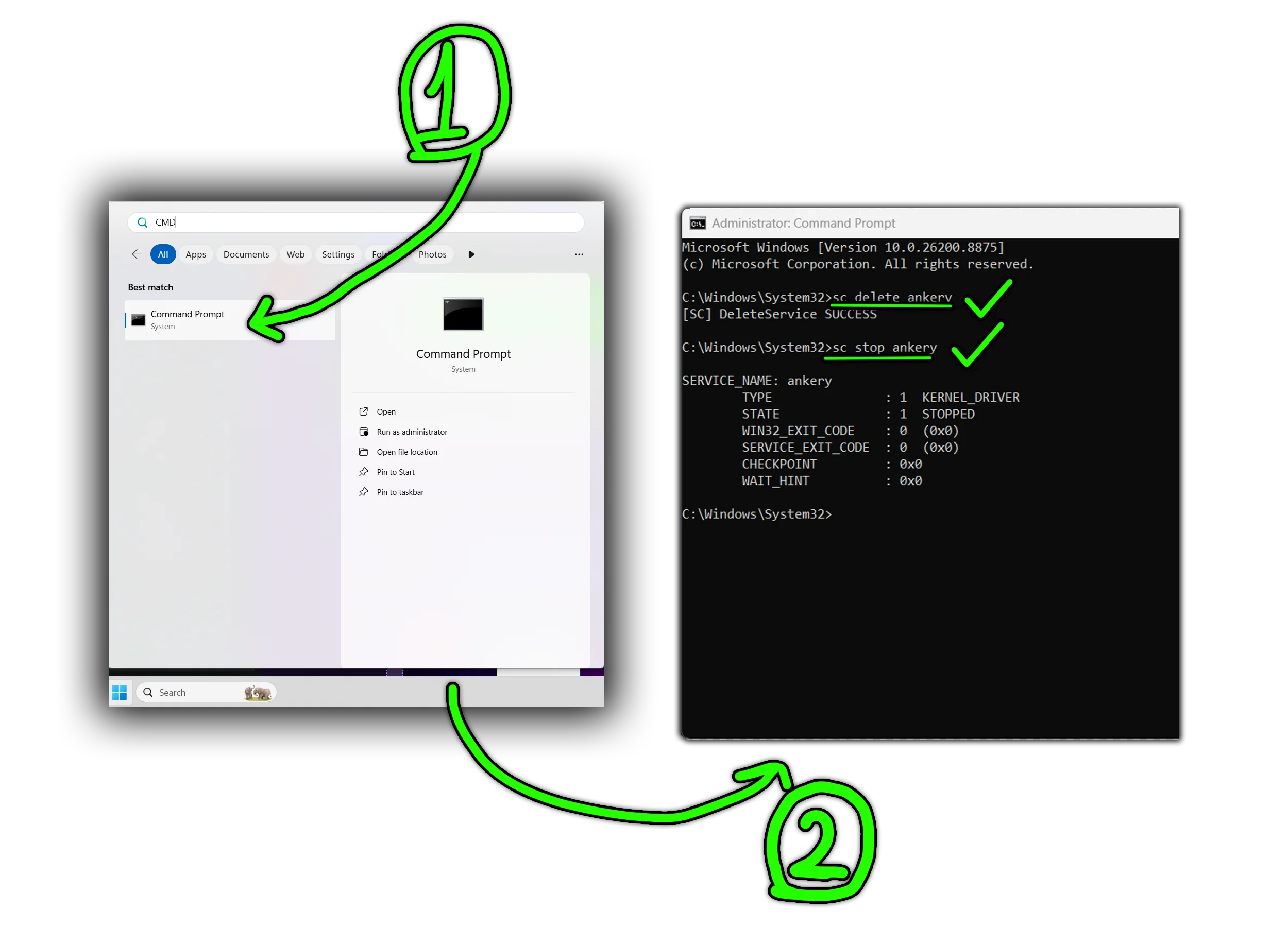
Then restart the script and it should work out.

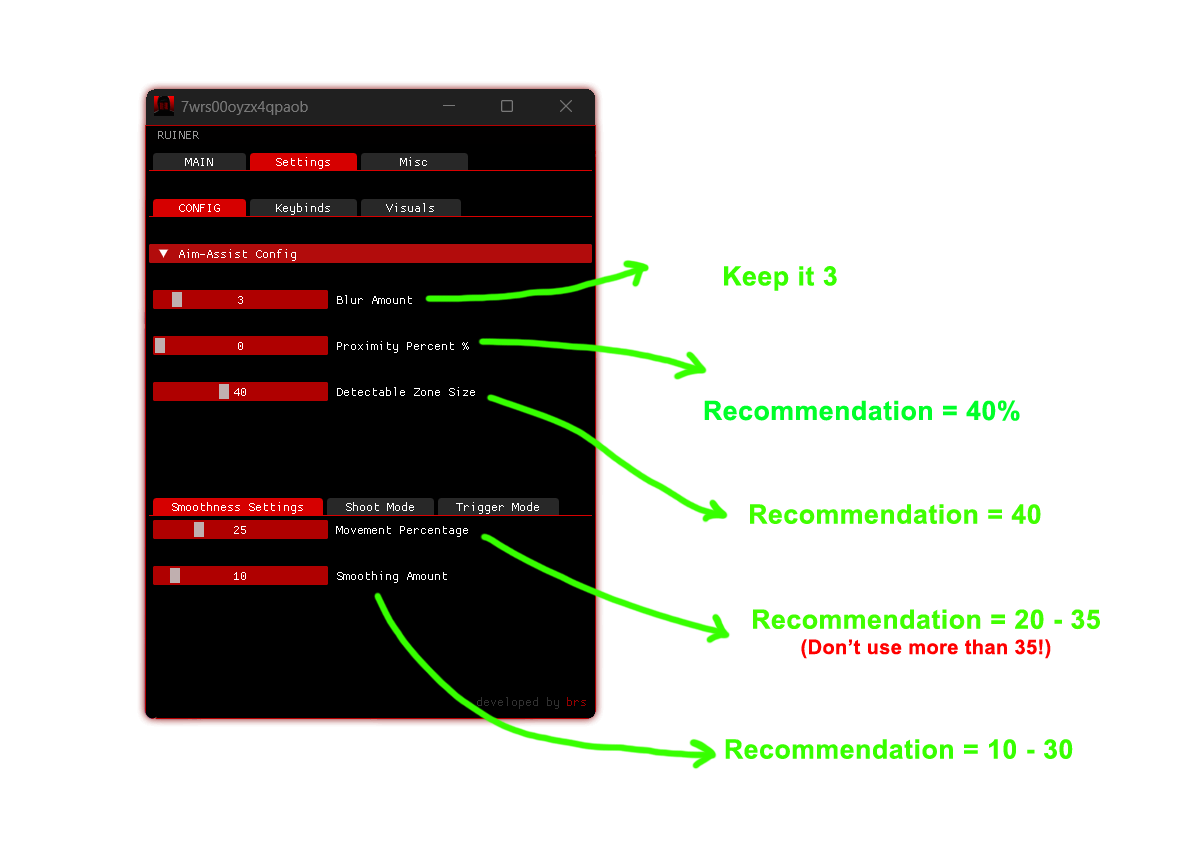
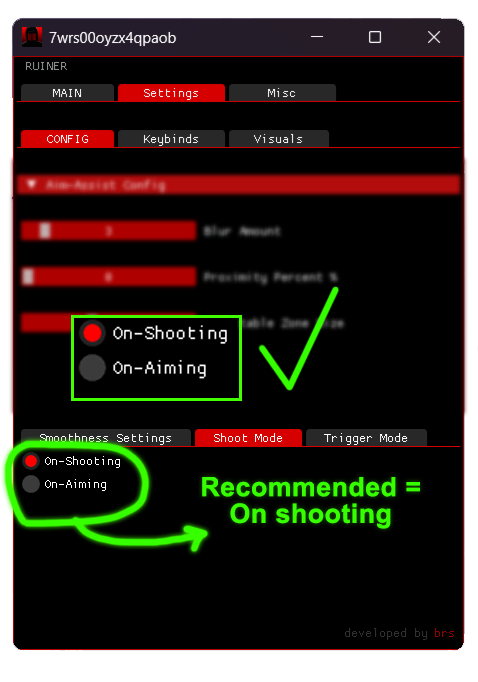
APEX AI: Good Config