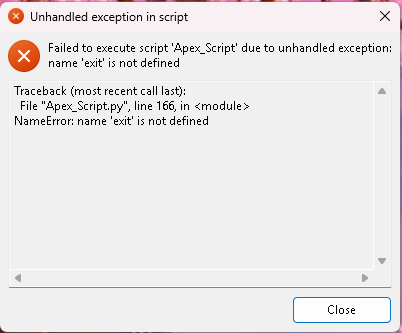
How to Setup Apex Script (PC Version)
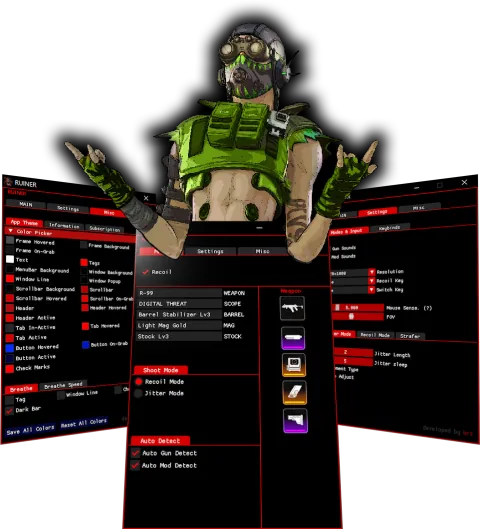


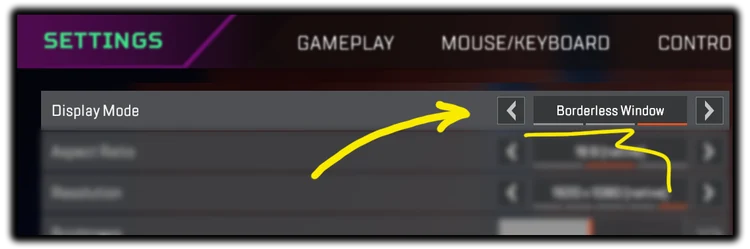
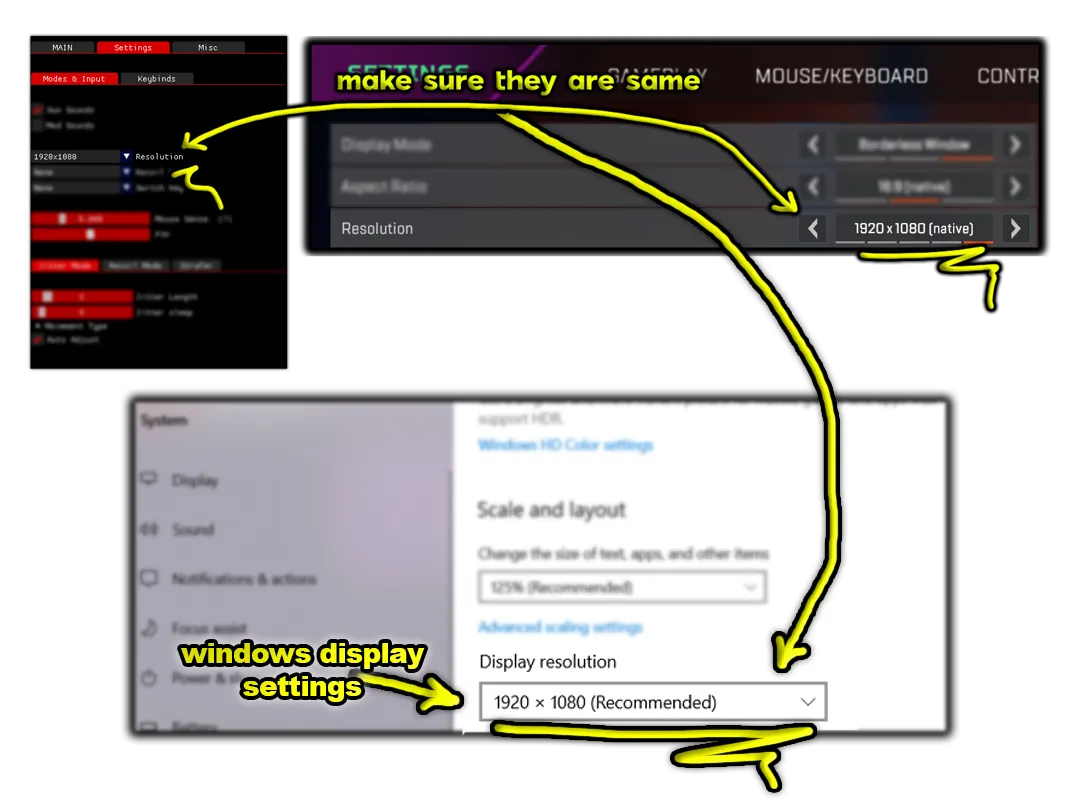
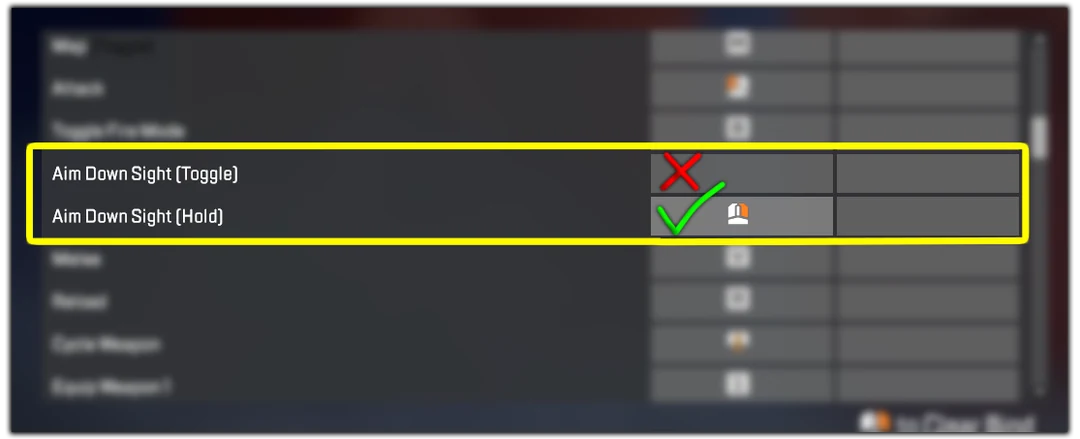
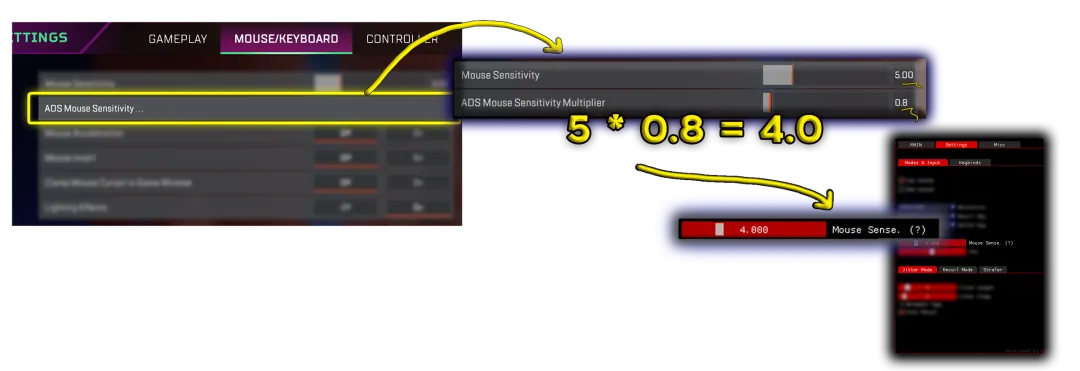
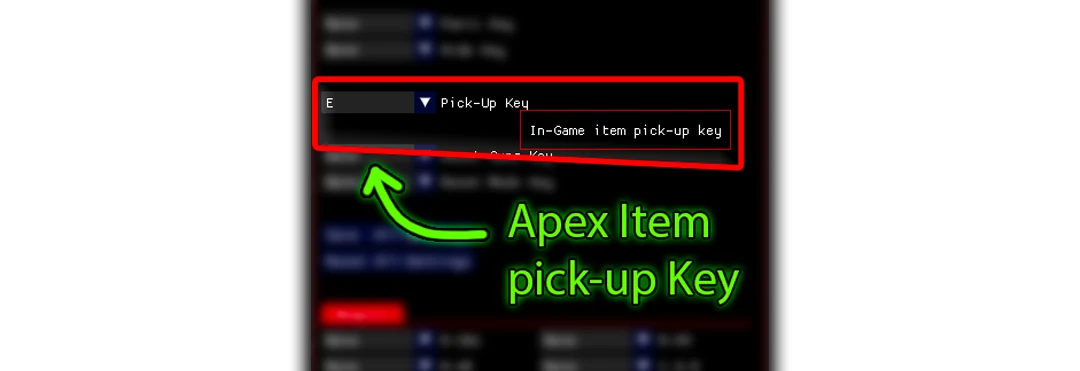
Note: If you have 2 monitors, Script might pick up the Wrong one.
If your Script doesn't Auto-Detect guns:
- Either unplug one monitor that you are not playing the game on
- Or switch/change monitor order from windows setting.
Note: If you have FACE-IT Anti-Cheat or Valorant Vanguard installed, uninstall them they will prevent the application from working properly.