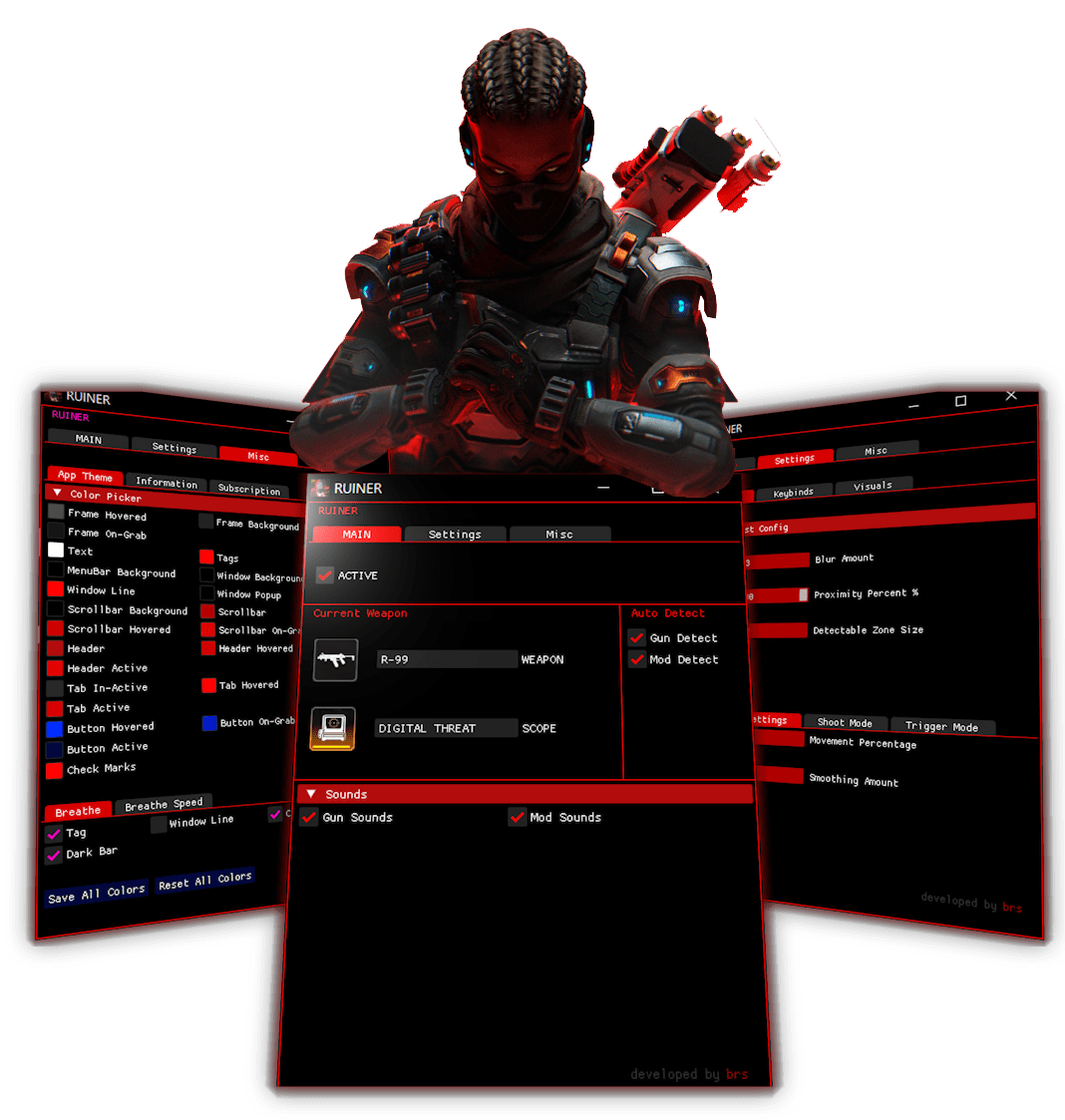
Im liking it i just got it to connect with my controller
★★★★★
RecoilCore92
No issues.
★★★★★
peak_spark573
The PC version works well once you know what each setting changes. I’d still make the first-time explanation clearer, but the result is good.
★★★★★
Aurelius
game changer for close range fights feel way easier
★★★★★
HHvppy
Amazing script and even better support. I’ve purchased it twice already and had a great experience both times. If something wasn’t working properly or I had questions, the Discord support team always helped quickly and found a solution. Highly recommended.
★★★★★
BlitzAce
Xbox feels noticeably steadier for me now, especially when I’m making small adjustments at distance.
★★★★★
cloud_king424
I spent a while tweaking the values, but once I got them where I wanted the tracking felt noticeably smoother. Haven’t needed to change much since.
★★★★★
TurboZone
Very little setup on my side. The default gave me a good starting point and one small change was enough to make it comfortable.
★★★★★
VoltNode919
Ranked feels much more controlled with this on. Nothing flashy, just fewer wild corrections when fights get fast.
★★★★★
Recoil.Fox68
Controller response is still fast, but it feels less erratic when I’m following someone across the screen. Very happy with that.
★★★★★
fluxscope
Close-range fights are where this helped me most. Hipfire into ADS feels easier to control now.
★★★★★
NightPilot443
Had one setup issue on PS5 and needed help sorting it out. Support fixed that part, and after that the app itself worked well.
★★★★★
Nova378
My tracking on PC feels a lot less shaky now, especially when someone changes direction fast. Took maybe two games to get used to the feel.
★★★★★
Volt960
A few rounds in, the whole thing started feeling more natural. I ended up lowering one value and that made a big difference.
★★★★★
Rapid.Tap349
Had a small issue getting everything dialed in on controller. Support helped, but I would still make the first-time setup a bit clearer.
★★★★★
CloudLock
+rep, setup was quick and the app behaved exactly how I wanted on PC. Been smooth every time I’ve opened it.
★★★★★
Hyper565
I use a fairly low sensitivity and the smoothing still feels responsive. Needed one support question answered, but everything else was straightforward.
★★★★★
BlitzHawk931
PC feels noticeably smoother with the values I settled on. I like that I can keep things responsive without the movement feeling too sensitive.
★★★★★
blitz_pilot761
PS5 setup went smoothly on my end. I followed the instructions, saved a profile, and haven’t had any problems with it since.
★★★★★
Raw979
I use a pretty basic profile and it does everything I need. No constant tuning between games, which is exactly what I wanted.
★★★★★
aerokid
PS5 profile was easy to get comfortable with. The tutorial handled the basics and I only had to tweak the strength afterward.
★★★★★
drift_beam320
I mostly wanted better tracking during strafes and it definitely helped there. Feels more controlled without making the aim feel robotic.
★★★★★
VoltOrbit768
Xbox has been easy to live with. I found a comfortable profile pretty quickly and it has stayed consistent ever since.
★★★★★
Static591
The profile I use now is simple and consistent. I haven’t felt the need to keep changing settings every time I play.
★★★★★
Aero.Lock554
PS5 feels smoother with the lower-strength settings I’m using. Once I stopped copying other people’s values and tuned my own, it got much better.
★★★★★
SilentZone359
It does help, but getting my sensitivity dialed in took more trial and error than I expected. Usable now, just not plug-and-play for me.
★★★★★
zen_wolf845
I was worried it might feel unnatural, but a mild profile keeps everything responsive. That’s the setting style I ended up sticking with.
★★★★★
Arc348
Running this together with the script made the whole setup feel more complete. Recoil control plus steadier tracking is a nice combo.
★★★★★
01/ 28
FAQ
What is Apex AI?
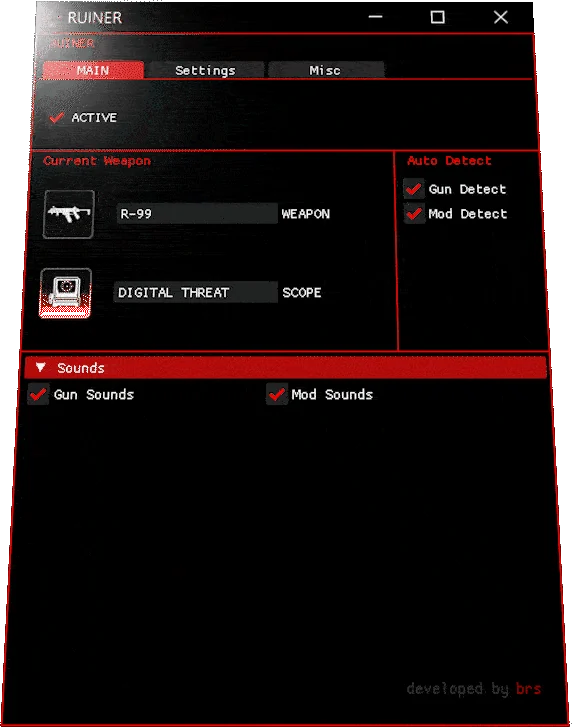
Apex AI is an AI aimbot for Apex Legends. It finds enemy players on your screen and aims at them for you.
Is it safe to use?
Yes. We have sold it since 2020 and in over 6 years no customer has been banned. Today 5,000+ players use it, most of them on their main accounts. Apex AI runs outside the game and does not change the game's memory.
How fast do I get it after I pay?
Instantly. As soon as your payment is confirmed, your download link and license key are sent to your email.
Does it work with a controller?
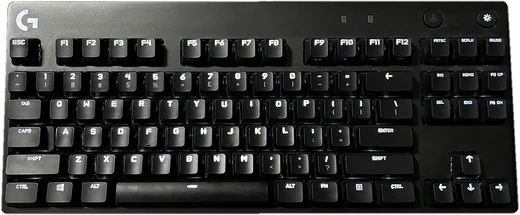
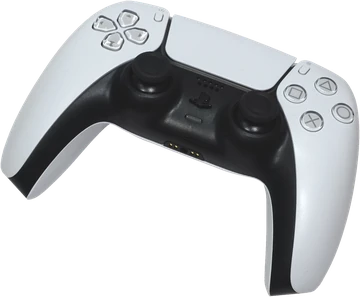
Yes. On PC it works with a controller and with mouse and keyboard. It also works on PS5 and Xbox.
Is it hard to install?
No. Setup takes less than a minute and only a few clicks.
Can I hide it while I stream?
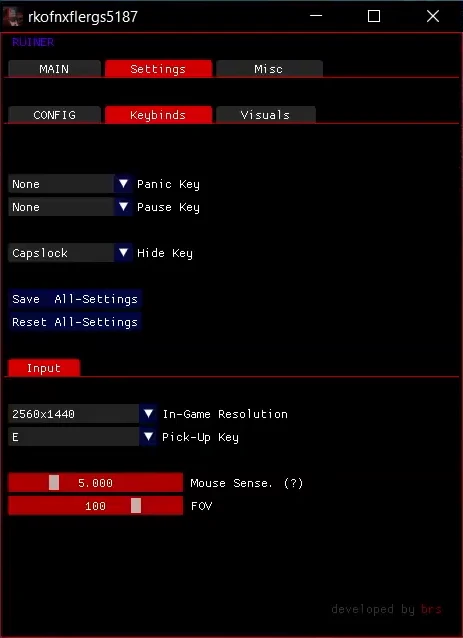
Yes. Press Caps Lock to turn on streamer mode. The app disappears from your screen, Twitch, Kick and Discord screen share, and keeps running in the background.
Will I get updates?
Yes. Apex AI is updated every season and all updates are free.
Is there an aimbot for Apex Legends?
Yes. Apex AI is an AI aimbot for Apex Legends on PC, PS5 and Xbox. It finds enemies on your screen and helps you lock on.
What is the best Apex aimbot in 2026?
Apex AI. An AI aimbot trained for Apex Legends, updated every season and rated 4.8 out of 5 from 325 reviews.
Does the Apex aimbot work on PS5 and Xbox?
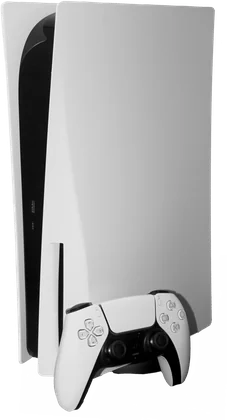
Yes. No extra device is needed on PS5, PS4 and Xbox: you move the software to your console once, from a PC with a USB cable, and the setup takes 3 minutes. A Cronus Zen, Titan Two or XIM is optional. On PC it works with a controller and with mouse and keyboard.
Your aim, upgraded.
Monthly or lifetime. Instant delivery. Ready in one minute.





 RecoilCore92
 peak_spark573
 Aurelius
 BlitzAce
 cloud_king424
 TurboZone
 VoltNode919
 Recoil.Fox68
 fluxscope
 NightPilot443
 Nova378
 Volt960
 Rapid.Tap349
 CloudLock
 Hyper565
 BlitzHawk931
 blitz_pilot761
 Raw979
 aerokid
 drift_beam320
 VoltOrbit768
 Static591
 Aero.Lock554
 SilentZone359
 zen_wolf845
 Arc348